
For small businesses
Smart ERP
Three lightweight products you start with from day one: Smart Accountant for your books, IQ Inventory for your kitchen and storeroom, and Smart POS for your cashier. Each works on its own, and once connected, sales, purchases and costs reach the books automatically.
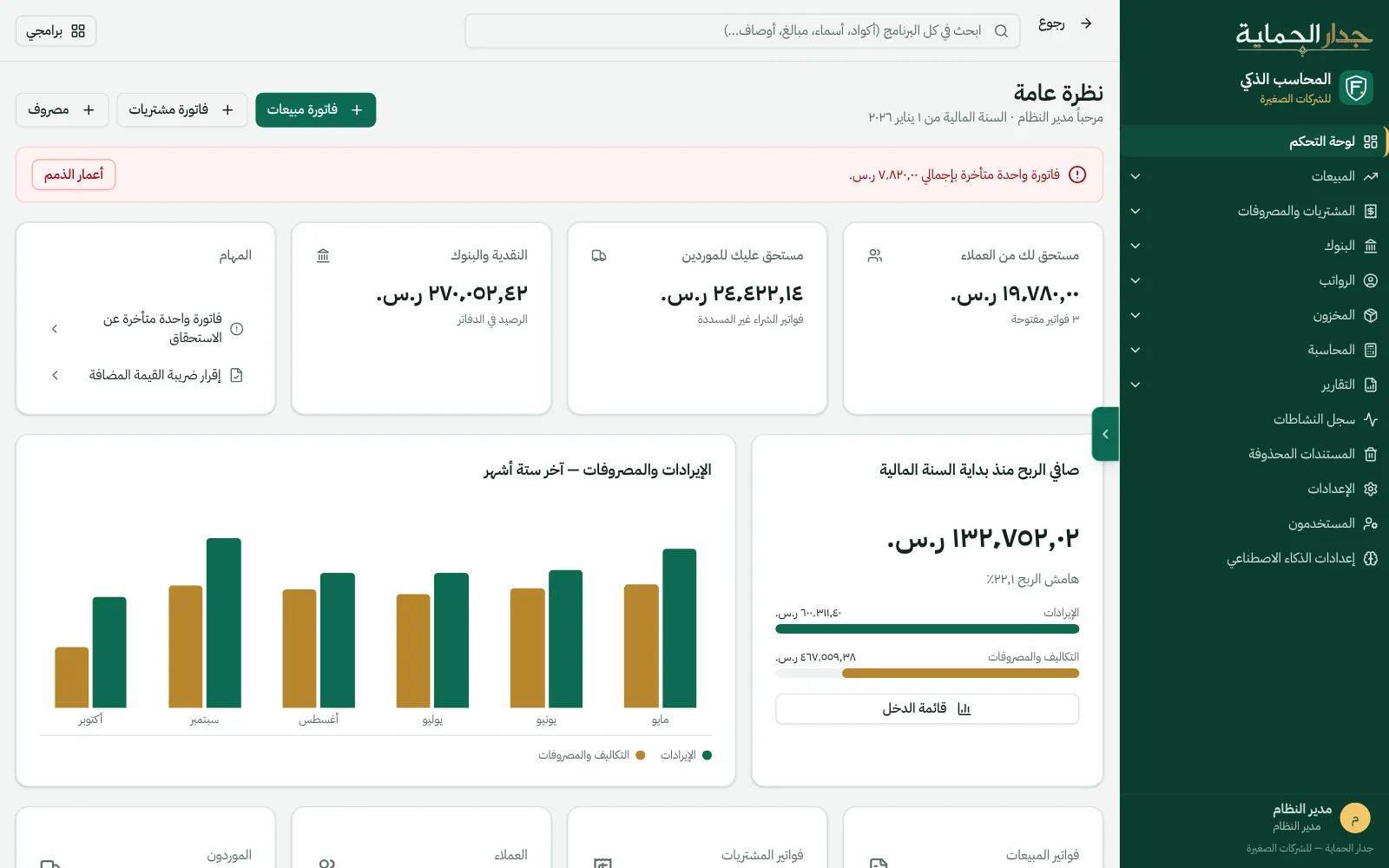
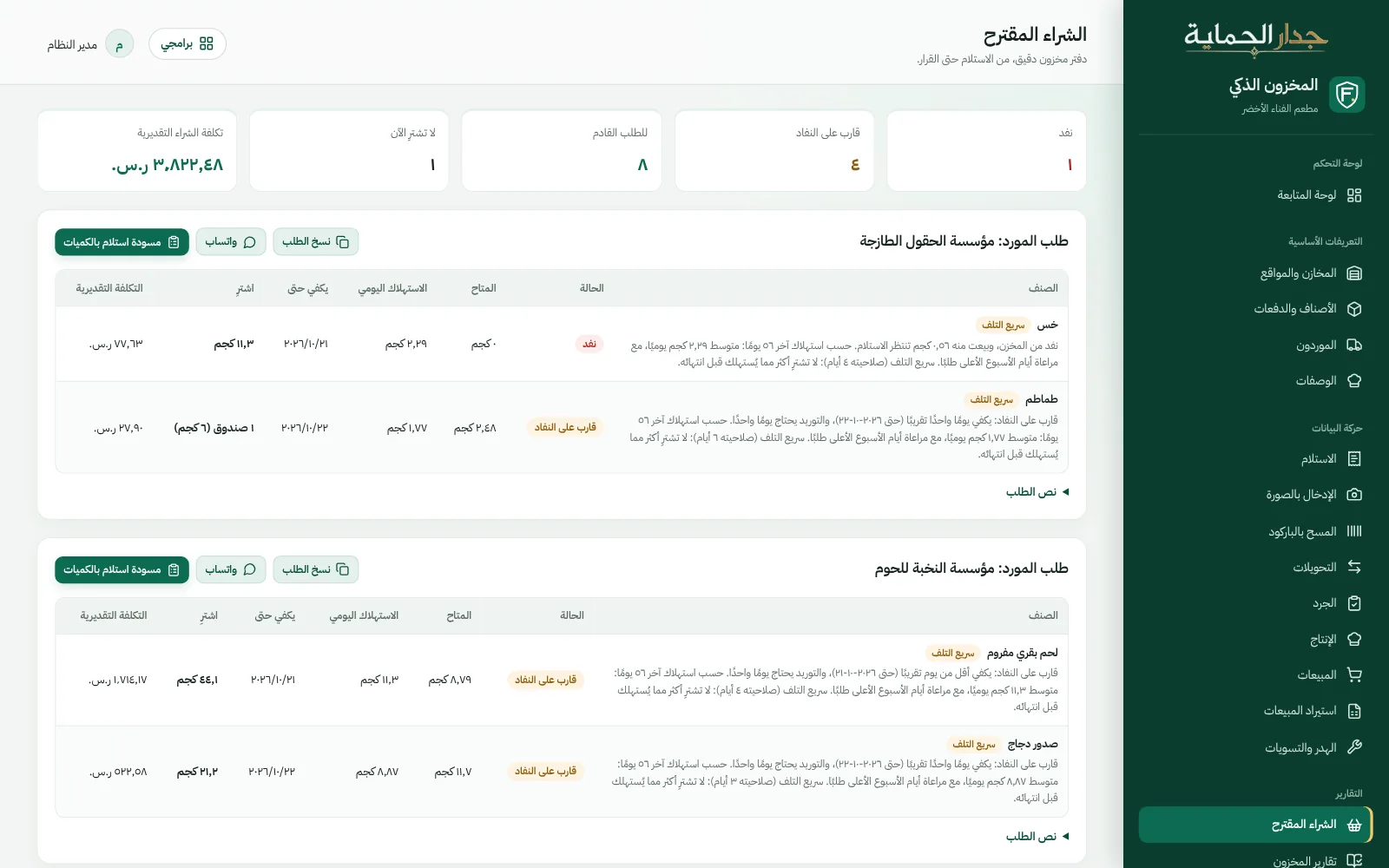
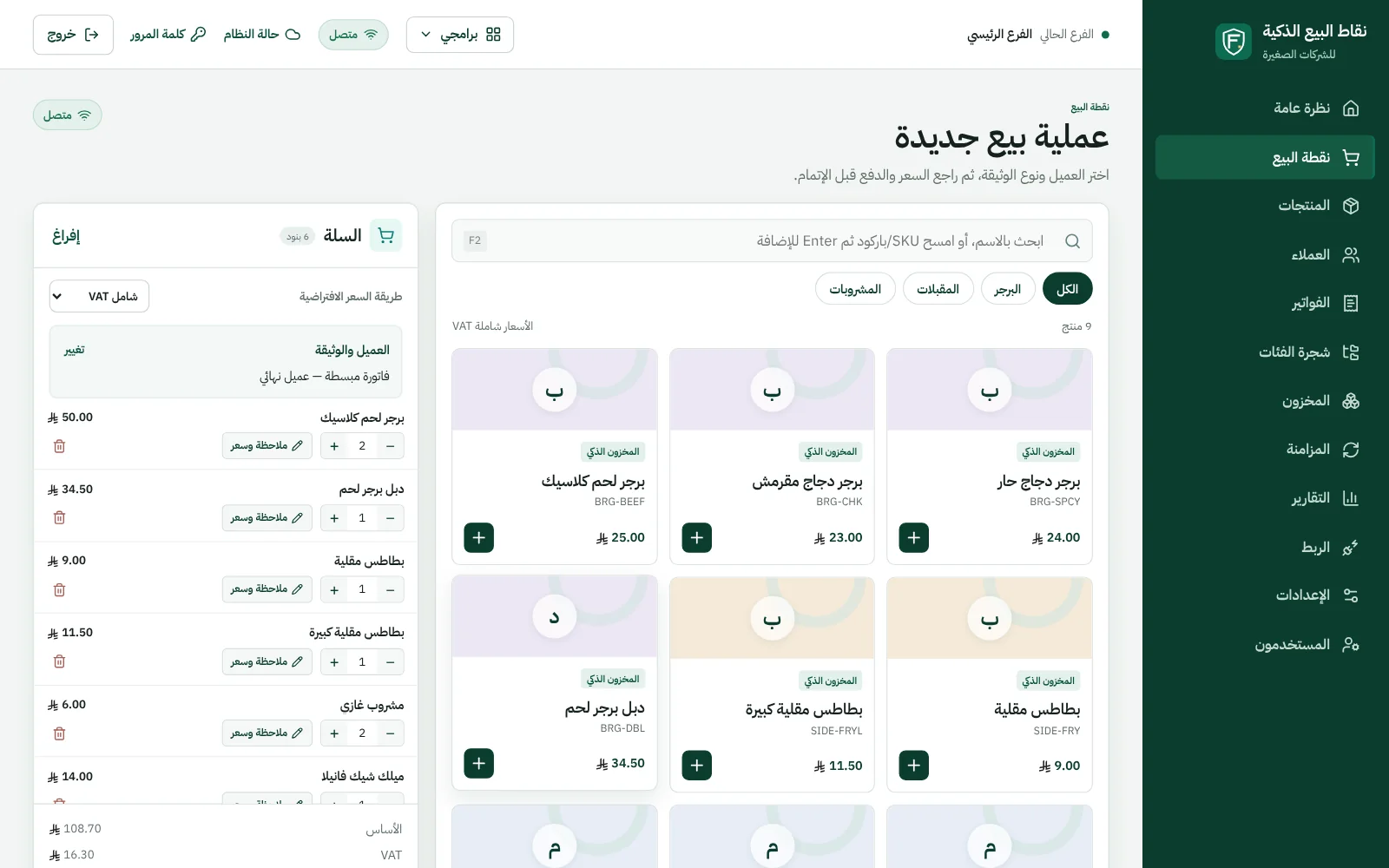
Start with what you need,
add the rest whenever you like.
Each product has its own page and screens, and each works fully on its own.
- Smart AccountantInvoices, purchases, expenses and payroll, an automatic entry for every document, financial statements, and the VAT return and its settlement.The heart of the suite: every product posts to it
- IQ InventoryPurchases from photos, recipes, earliest-expiry issuing, suggested purchasing, and waste with reasons.For restaurants, cafés and kitchens
- Smart POSA fast cashier with QR tax invoices, running on Windows even when the internet drops.For restaurants and shops
- Human ResourcesEmployee files, fingerprint attendance, payroll and leave. Serves both product suites.Connects to Smart Accountant on request
Every document is entered
just once.
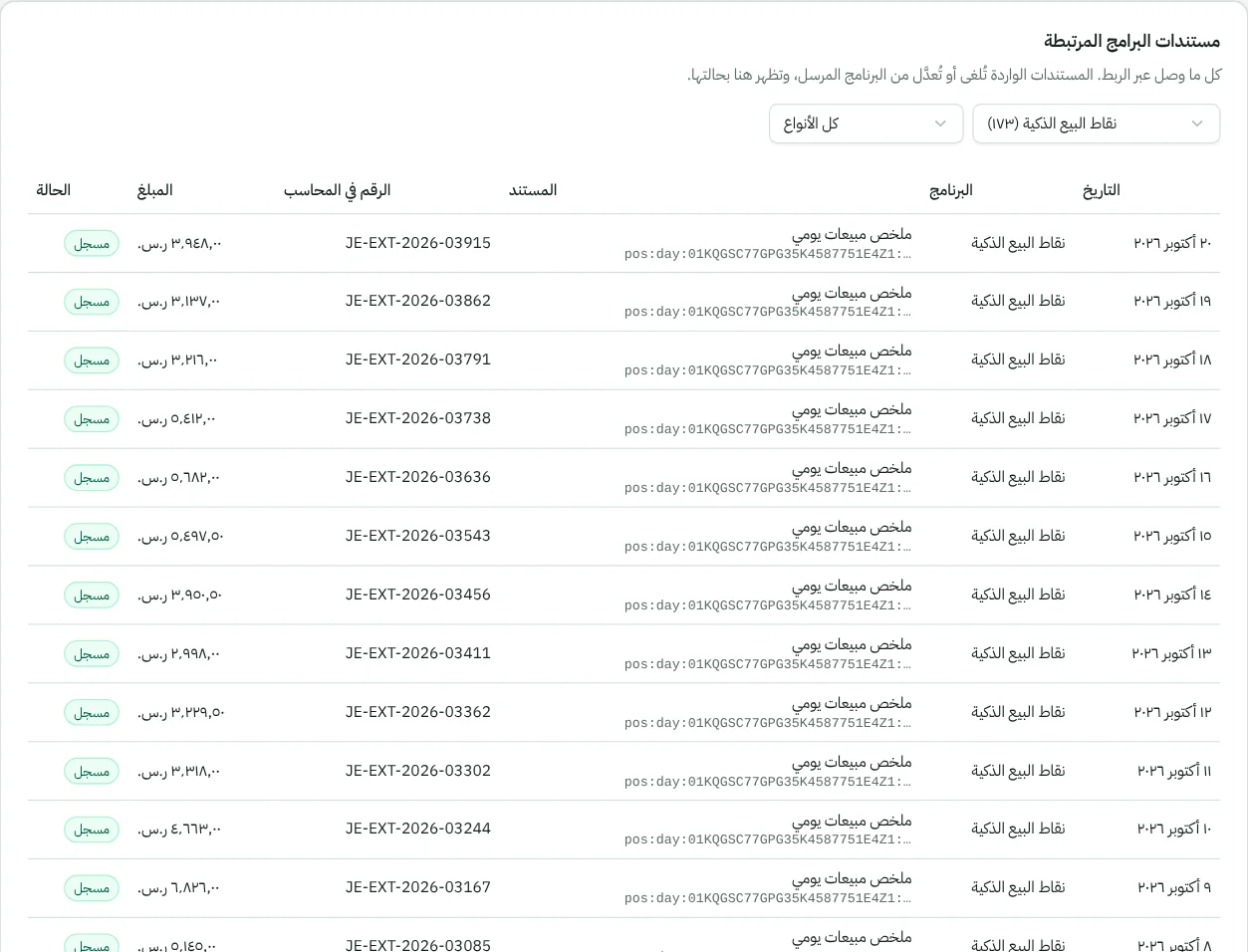
When you connect the products from the integration screen in each, every product sends its documents to the right product automatically, and everything received appears in “Connected products' documents” inside Smart Accountant.
- Smart POSSmart Accountant
A daily sales summary: cash, card, transfer and credit per customer, with revenue and VAT after returns — or an invoice per transaction, as you choose.
- Smart POSIQ Inventory
Every dish sold consumes its ingredients earliest-expiry first, and an item sold as-is is deducted directly. If a dish is missing ingredients the sale doesn't stop, and the shortfall is recorded until the goods arrive.
- IQ InventorySmart Accountant
Supplier invoices arrive as purchase invoices on the same supplier, and cost of sales, waste and count differences arrive as entries — so the inventory account in the books matches its value in IQ Inventory.
- Your other systemsSmart Accountant
An online store or any system, with its own integration key and permissions, through a documented API.
In the cloud on our servers.
While you're in your kitchen.
No servers to buy and no software to install: open your products in the browser on your computer or phone.
One sign-in across products
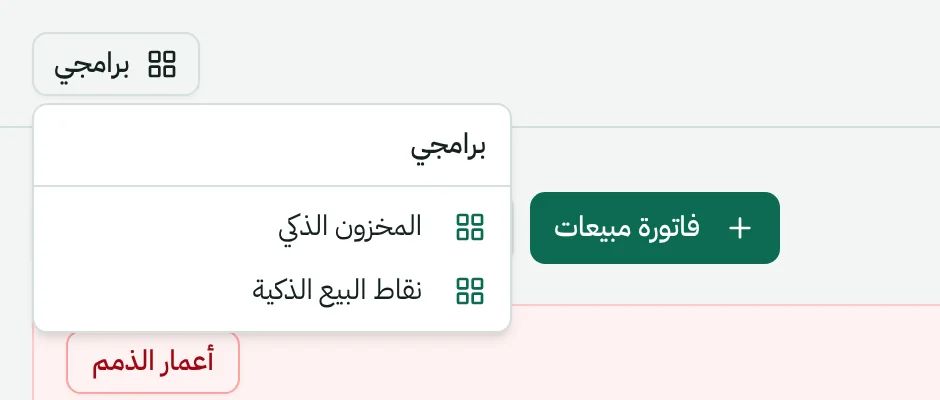
The “My apps” button takes you from the Accountant to Inventory to the cashier without signing in again.
A backup every day
Each product has its own daily backup on the server.
Permissions for every user
Manager, accountant, storekeeper and cashier — each sees what's theirs.
Questions about Smart ERP
Didn't find your question? Ask us directly.
Do I have to buy all three products together?
No. Start with what you need; each product works fully on its own, and you connect it to the others whenever you like from its integration screen, without moving or re-entering your data.
What if the internet drops in the shop?
The Windows cashier app keeps selling offline, then syncs invoices when the connection returns, without duplicates. The other products run in the browser.
We're a mid-size or large company with branches and cost centers. Is this right for us?
For mid-size and large companies there's the FIREWALL ERP suite: FIREWALL Accounting, POS & Trade and Human Resources.
We're on another system today. How do we switch?
We help you migrate opening balances, items, customers and suppliers from your previous system, so you start where you left off.
See it working…
before you decide.
Book a live demo on sample data, or tell us about your idea — we'll reply to you personally.